Features
Easy C# Configuration
Define it all using C#!
Tree Group Name (Subsection Menu)
Allowed Sections & Menus
Entity Types
No Manifest File
No package.manifest or lang/lang.xml files are required to get a custom tree up and running.
Screenshots
Versions
16.1.4
Version Support Policy
Feature updates until 12/03/2026
Security updates until 12/06/2026
Readme
Quick Start
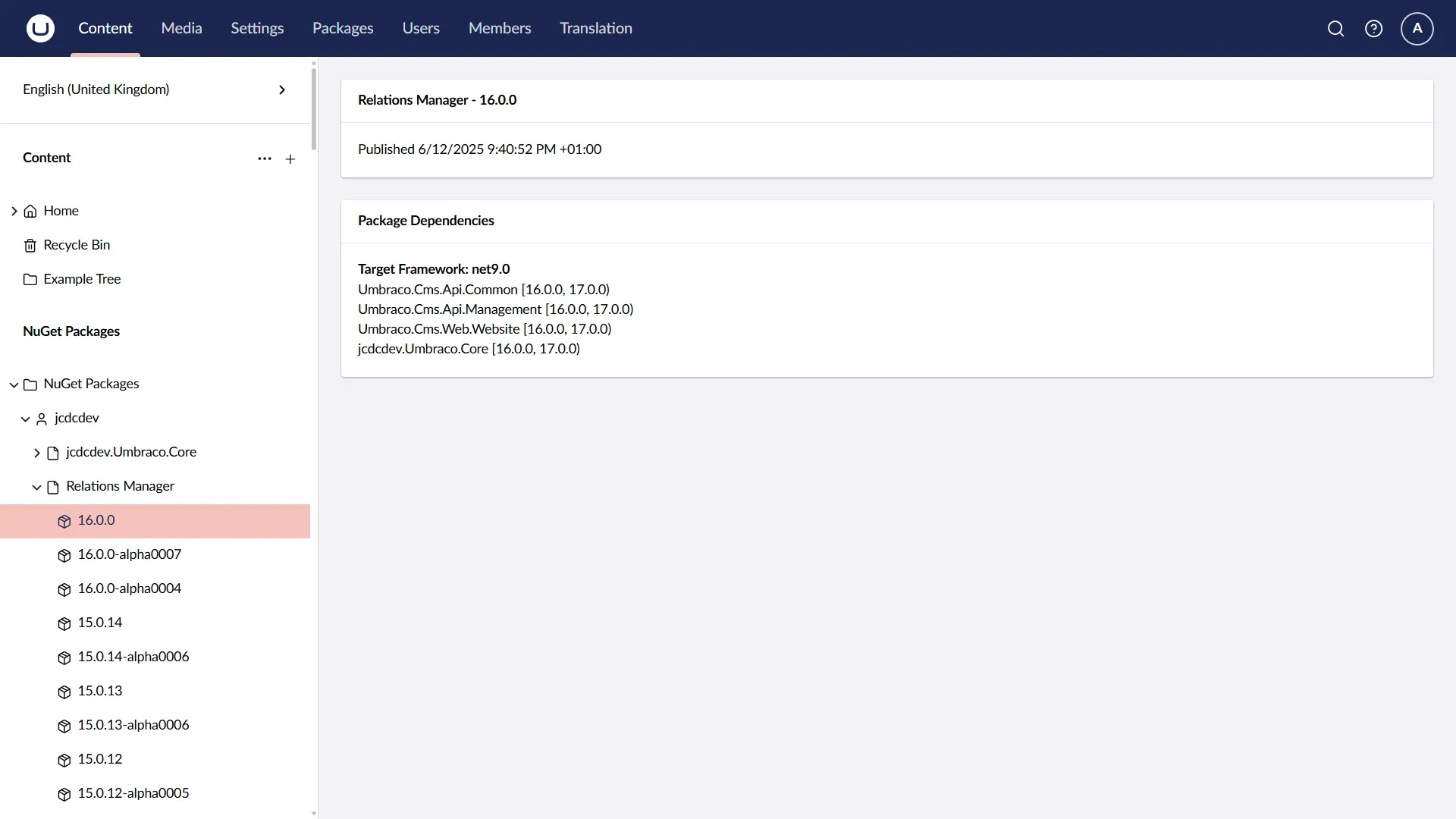
Register Tree
By default, this will display in the content section.
using Umbraco.Cms.Core.Models;using Umbraco.Community.SimpleTrees.Core.Models;
namespace Umbraco.Community.SimpleTrees.TestSite.Trees;
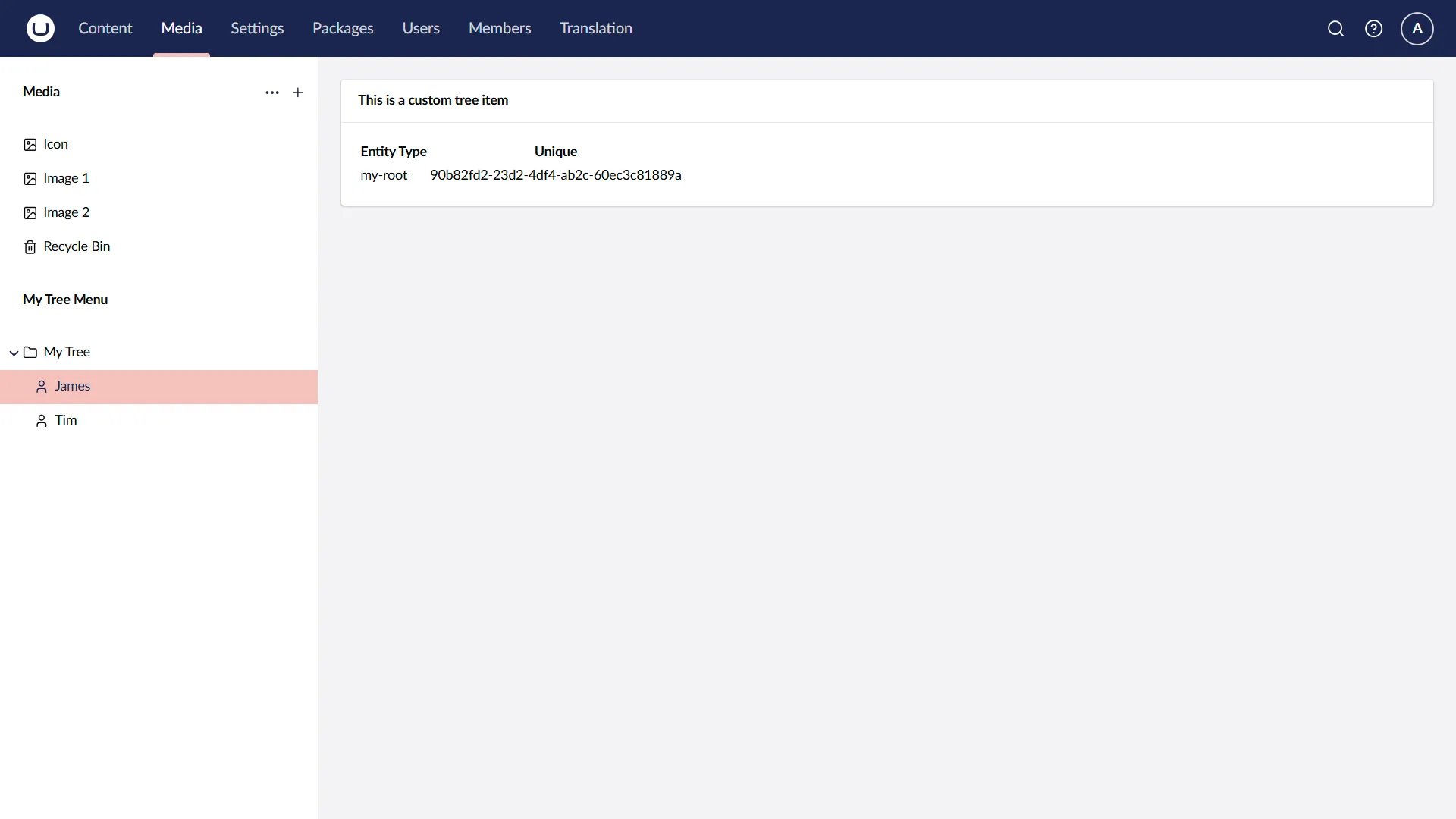
public class MyTree : SimpleTree{ public override Task<PagedModel<ISimpleTreeItem>> GetTreeRootAsync(int skip, int take, bool foldersOnly) { var data = new List<ISimpleTreeItem> { CreateRootItem("James", Guid.NewGuid().ToString(), "icon-user"), CreateRootItem("Tim", Guid.NewGuid().ToString(), "icon-user"), };
return Task.FromResult(new PagedModel<ISimpleTreeItem>(data.Count, data)); }
public override Task<PagedModel<ISimpleTreeItem>> GetTreeChildrenAsync(string entityType, string parentUnique, int skip, int take, bool foldersOnly) => Task.FromResult(EmptyResult());
public override string Name => "My Tree";}Create Views
- Your views must go in
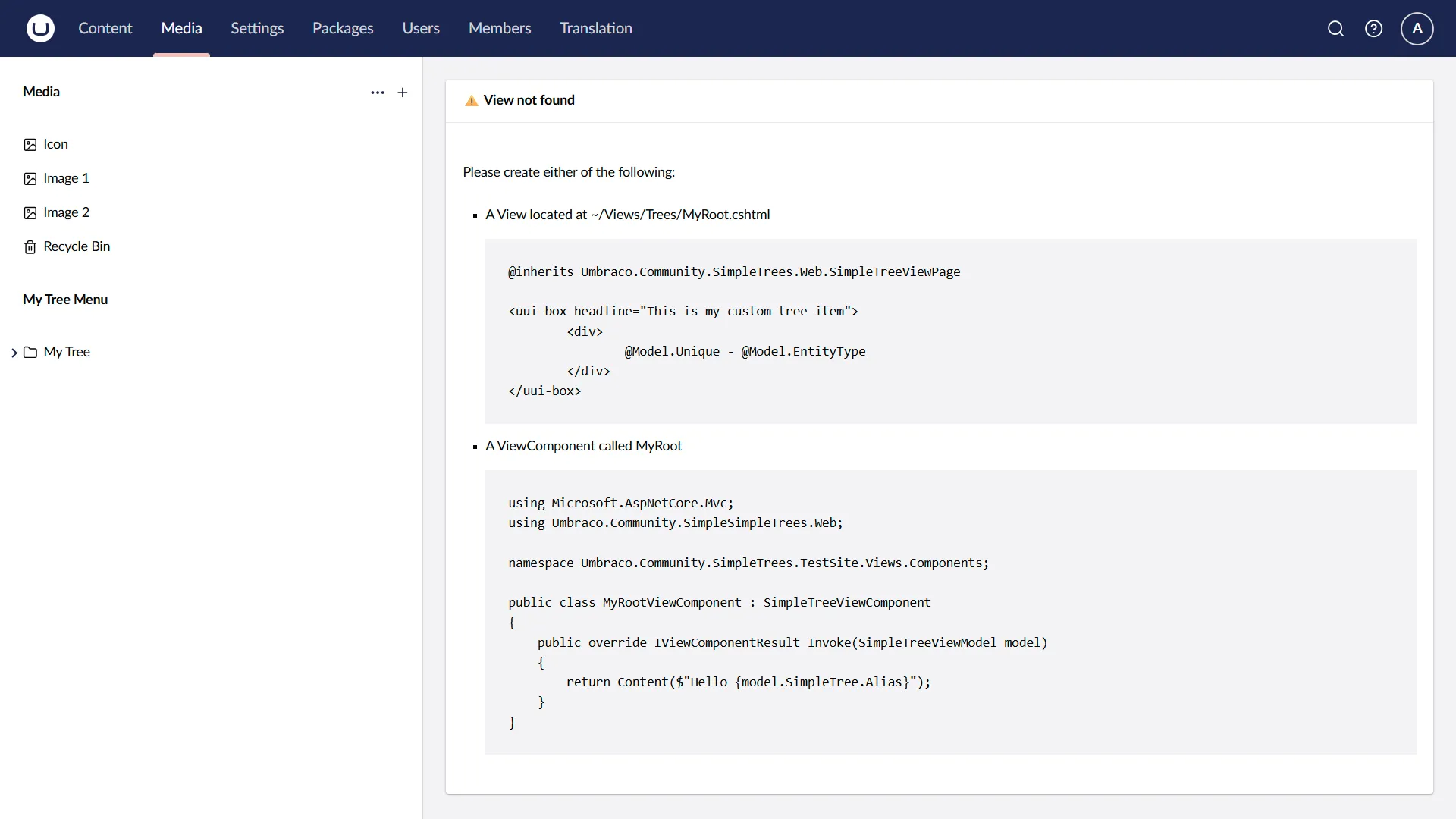
/Views/Trees - You views must be the name of your tree entities
- For example:
MyTree.cs=>/Views/Trees/MyItem.cshtml&/Views/Trees/MyRoot.cshtml
- For example:
@inherits Umbraco.Community.SimpleTrees.Web.SimpleTreeViewPage
<uui-box headline="This is a custom tree item"> <div> <table> <thead> <tr> <th>Entity Type</th> <th>Unique</th> </tr> </thead> <tbody> <tr> <td>@Model.EntityType</td> <td>@Model.Unique</td> </tr> </table> </div></uui-box>Configuration
Install Package
dotnet add package Umbraco.Community.SimpleTreesExtending
Entity Actions
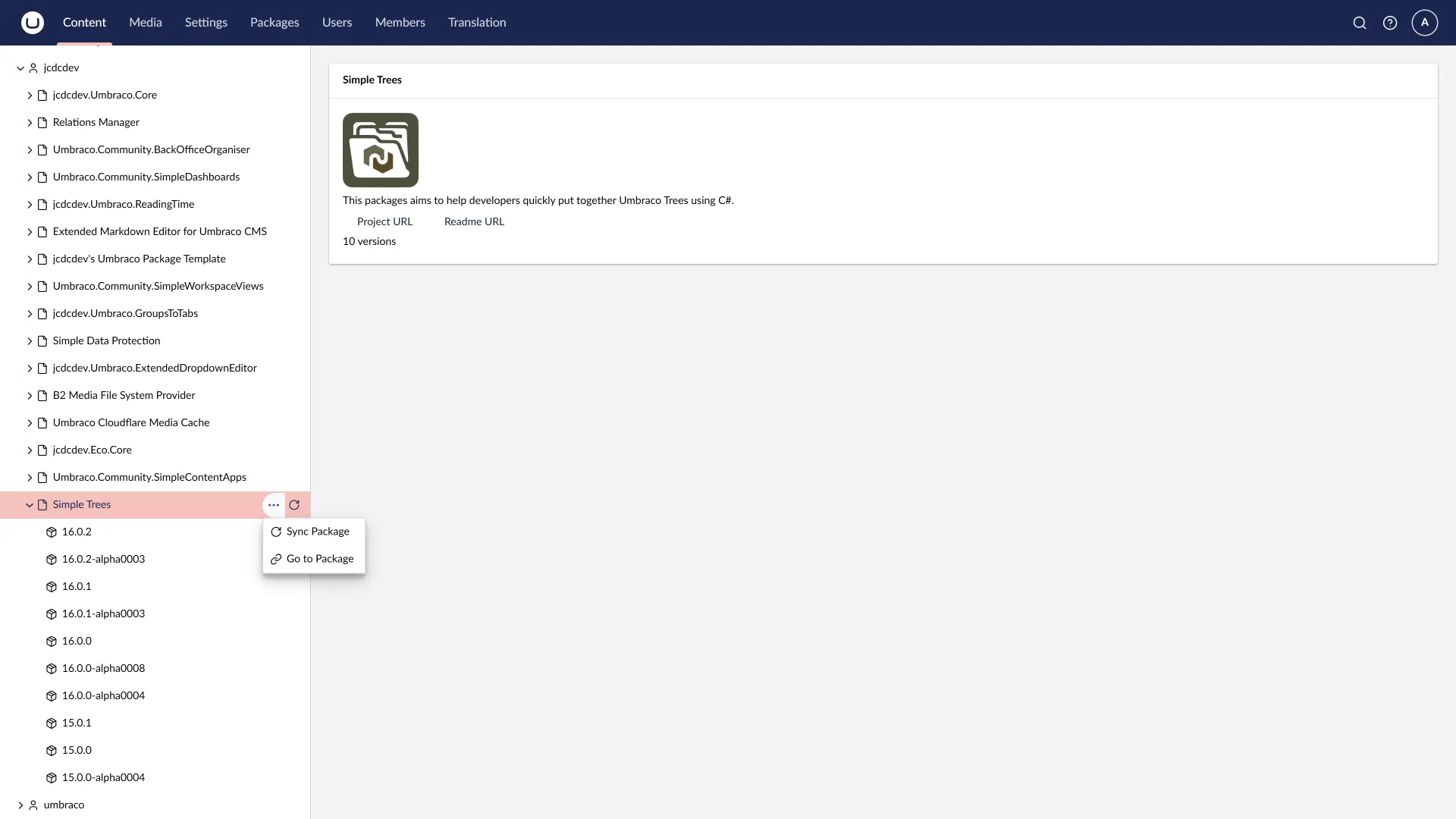
It is possible to implement two Entity Actions
Url Actions
When clicked, the user will be taken to the specific URL.
using Umbraco.Community.SimpleTrees.Core.Models;
namespace Umbraco.Community.SimpleTrees.TestSite.Trees;
public class NuGetPackageItemEntityUrlAction : SimpleEntityUrlAction{ public override string Icon => "icon-link"; public override string Name => "Go to Package"; public override Type[] ForTreeItems => [typeof(NuGetPackageTree)]; public override Type[] ForSimpleEntityTypes => [typeof(NuGetPackageVersionEntityType)];
public override Task<Uri> GetUrlAsync(string unique, string entityType) { var uri = new Uri("https://www.nuget.org/packages/" + unique); return Task.FromResult(uri); }}Execute Actions
When clicked, you custom logic will be executed. You can also return a helpful response to the user.
using System.Net.Http.Headers;using Umbraco.Community.SimpleTrees.Core.Models;using Umbraco.Community.SimpleTrees.Web.Models;
namespace Umbraco.Community.SimpleTrees.TestSite.Trees;
public class NuGetPackageItemEntityExecuteAction : SimpleEntityExecuteAction{ private readonly HttpClient _client;
public NuGetPackageItemEntityExecuteAction(HttpClient client) { var url = "https://functions.marketplace.umbraco.com/api/"; client.BaseAddress = new Uri(url); client.DefaultRequestHeaders.UserAgent.Add(new ProductInfoHeaderValue("Umbraco.Community.SimpleTrees.TestSite", "1.0")); _client = client; }
public override string Icon => "icon-refresh"; public override string Name => "Sync Package"; public override Type[] ForTreeItems => [typeof(NuGetPackageTree)];
public override async Task<SimpleEntityActionExecuteResponse> ExecuteAsync(string unique, string entityType) { try { var split = unique.Split('_'); var packageId = split[0]; var model = new MarketplaceRequest { PackageId = packageId, };
var result = await _client.PostAsJsonAsync("InitiateSinglePackageSyncFunction", model); if (!result.IsSuccessStatusCode) { return SimpleEntityActionExecuteResponse.Error("Failed to initiate package update", $"Status Code: {result.StatusCode}, Reason: {result.ReasonPhrase}"); }
var message = $"Package {packageId} update has been initiated. You can check the progress in the Umbraco Marketplace."; return SimpleEntityActionExecuteResponse.Success("Package update initiated successfully", message); } catch (Exception ex) { return SimpleEntityActionExecuteResponse.Error("An error occurred while initiating the package update", ex.Message); } }}Contributing
Contributions to this package are most welcome! Please visit the Contributing page.
Acknowledgements (Thanks)
- LottePitcher - opinionated-package-starter